Loading documentation…
The markers
That is the whole syntax. Everything inside a section is code you already know.
Body
HTML inside the body. Place elements with
_
.
Head
Meta tags, links and fonts.
CSS
Regular CSS, injected as a style block.
Frontend JS
JavaScript that runs in the browser.
Backend JS
Node.js, compiled as
app.js
.
DevOps
Build, serve and deploy scripts.
Wrapper
A reusable component with a slot for children.
Import
Bring in another
.yr
file.
NPM
Packages installed at build time.
Try yr
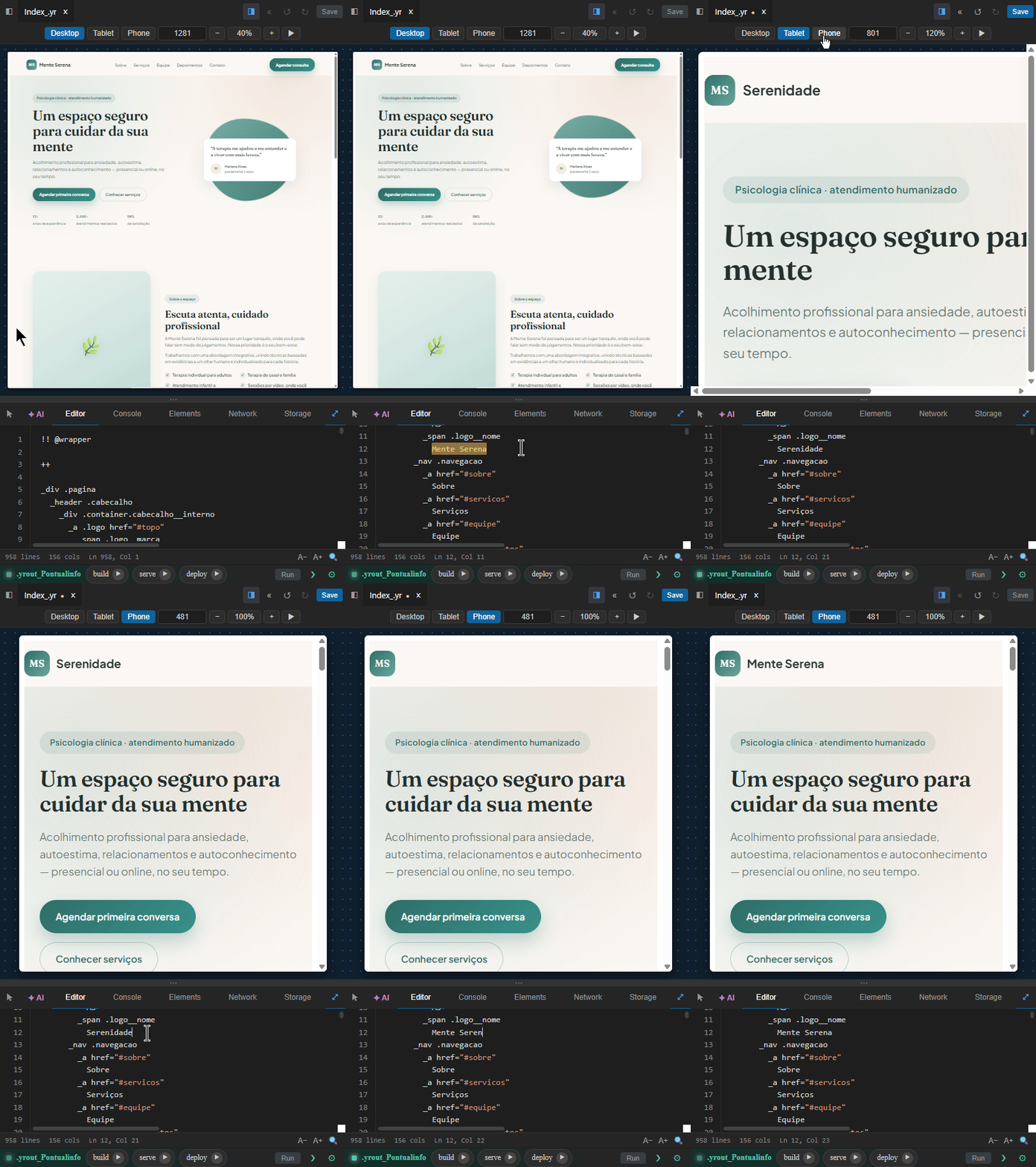
This is a real Yr file running in your browser. Edit it and the preview updates.
AI
A language easy for AI to build with.
yr keeps a whole web project in one file, split by simple markers. The AI reads everything at once, changes only the section you asked for, and you can still read every line.
Open source, v0.x, early stage. yr has no variables or loops of its own: logic lives in the JavaScript sections. What is here works, and it runs Yrkit in production.
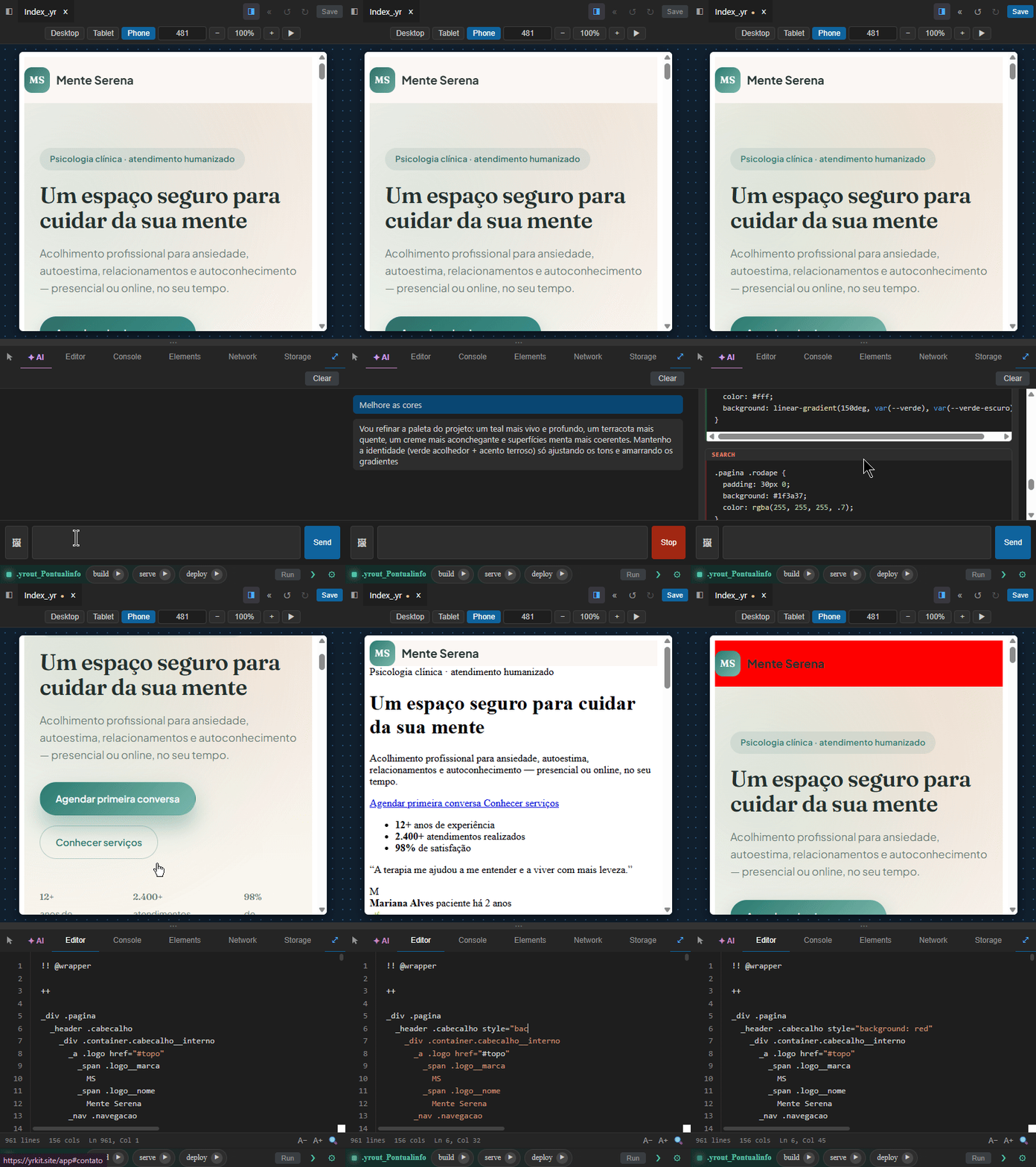
Turn the title red and add a /health route.
Only the
@@
and
&&
sections changed. The rest stayed as it was.
Why AI writes yr well
Most projects are spread over dozens of files. yr is built the other way around.
The whole feature in one place
Page, style, browser code, server code and deploy scripts sit in the same
.yr
file. The AI reads a complete feature at once instead of chasing imports across folders.
Sections are clear boundaries
Every section starts with a two-character marker. The AI finds the part to change, edits it, and leaves the rest of the file alone.
Nothing new inside
Inside each section it is plain HTML, CSS, JavaScript, Node or Bash, which every AI already knows. The only new thing is a short list of markers.
Teach any AI yr in one paste
Copy this cheat sheet into your AI assistant, then ask it for a
.yr
file. It covers the markers you need for a full page.
llm.txt
Loading…
Loading documentation…
Loading documentation…
Loading documentation…
Yrkit is written in yr
Yrkit is the app where you build systems by talking to an AI. You describe what you want in plain language, and it writes the whole project for you.
It is written entirely in yr. Building Yrkit is what pushed the language forward: wherever the project needed something the language could not do yet, the language grew. Today it is the largest project running on yr, and it works in production.
yr-cli
yr-cli is the command line tool for yr. It builds, serves and deploys your projects from the terminal.
Install it globally with npm:
npm install -g @yr-lang/yr-cli
Free to use, free to study
Support the project
yr is a solo developer project. If it is useful to you, consider supporting its development. It helps keep the infrastructure running and the language moving forward.
Donations do not grant ownership, governance rights, or special influence over the Yr language or ecosystem.